
Download FootieFox – Live Soccer Scores, Free Firefox Extension
Overview
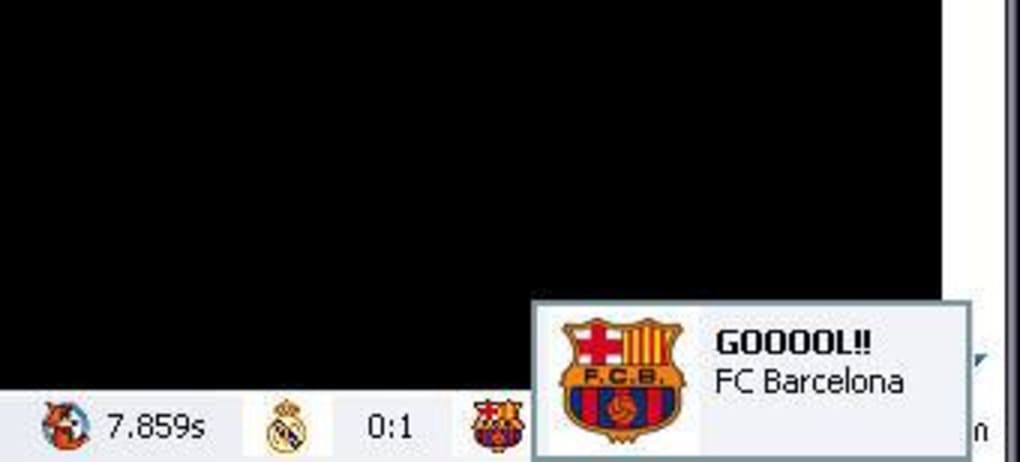
FootieFox is a lightweight Firefox add‑on designed for soccer enthusiasts who want instant access to match results without leaving their browser. Once installed, the extension nests discreetly in the Firefox status bar, displaying the current score, club logos, and a quick‑access menu for deeper details. The tool supports an impressive 190 leagues from 90 countries, making it one of the most comprehensive live‑score extensions available for the Firefox ecosystem.
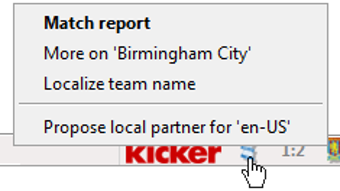
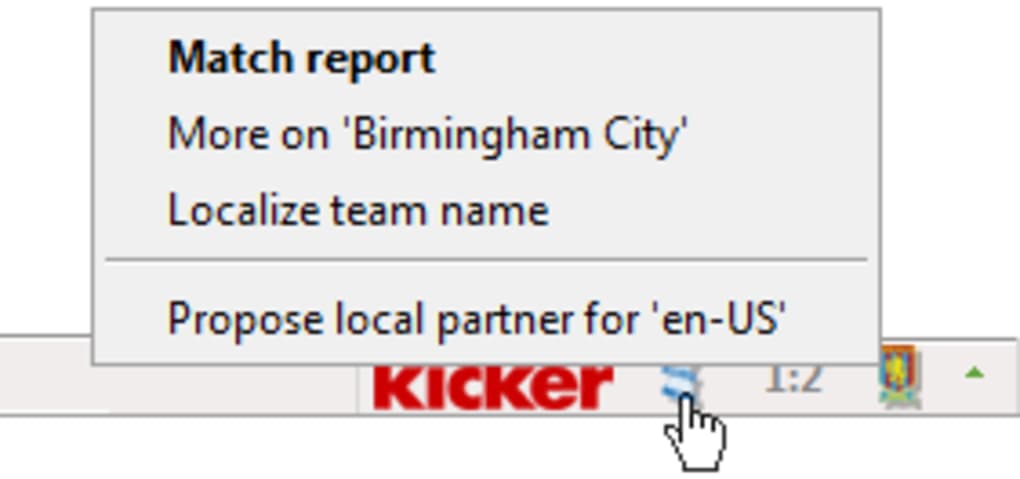
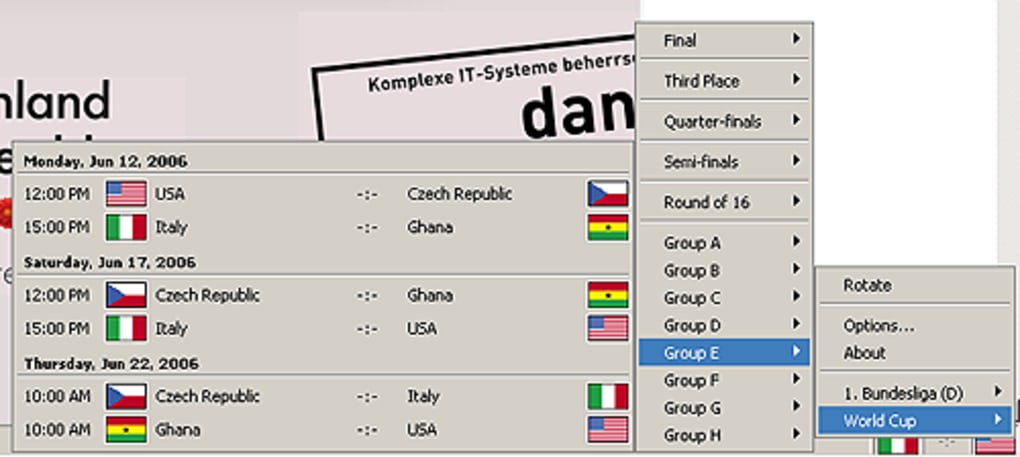
Users can select a single match to follow, or subscribe to an entire league’s feed, allowing the status bar to refresh automatically as goals are scored. Right‑clicking on a team’s icon opens a contextual menu that provides links to team statistics, recent form, and news sourced from partner sites such as Kicker Online for German football. While the update speed is slightly slower than dedicated live‑score websites, FootieFox compensates with a clean, non‑intrusive UI and the convenience of staying informed without opening additional tabs or windows.
The developers continuously expand league coverage based on user requests, and they encourage fans to submit suggestions via email. This community‑driven approach ensures that even smaller or emerging leagues eventually find a place in the FootieFox roster, making the extension a future‑proof solution for global soccer fans who prefer a secure, free, and always‑on‑hand scoring tool.
Key Features
- Real‑time score updates for 190 leagues across 90 countries.
- Compact status‑bar display that never interferes with browsing.
- Customizable match focus – follow a single game or an entire league.
- Club logos and green‑arrow menu for quick navigation to detailed stats.
- Right‑click context menu provides instant access to team news and stats.
- Integration with Kicker Online for enhanced German league coverage.
- Support for multiple languages, including newly added Azerbaijani and Slovenian packs.
- Native JSON data handling for faster server communication and lower bandwidth.
- Free to download and use, with no hidden fees or subscription requirements.
- Regular updates that add new leagues and improve performance based on user feedback.
Installation & Usage Guide
Installing FootieFox is straightforward and takes only a few minutes. Begin by opening Firefox and navigating to the official Mozilla Add‑ons page. Search for “FootieFox” and click the “Add to Firefox” button. Firefox will prompt you to confirm the installation; accept the permissions, and the extension will download automatically. Once the download completes, a small FootieFox icon appears at the bottom of the browser window.
To start using the extension, click the green arrow on the right side of the status bar. This opens the main menu where you can subscribe to leagues, choose a favorite team, or select a specific match to follow. The interface is organized into three tabs: “Leagues,” “Teams,” and “Favorites.” In the “Leagues” tab, browse the alphabetical list or use the search box to locate a competition quickly. Selecting a league adds its live scores to the status bar, and the icon updates with the latest result as soon as a goal is scored.
For a more focused experience, switch to the “Teams” tab, type the name of your club, and enable notifications for that team only. FootieFox will then display the club’s logo and score whenever they are playing. The “Favorites” tab allows you to pin up to five matches for instant monitoring. Right‑clicking any team logo opens a contextual submenu with links to the team’s official website, recent match reports, and statistical breakdowns sourced from partnered data providers.
Updating the extension is handled automatically by Firefox’s add‑on manager. When a new version is released, you’ll receive a notification in the add‑ons list; simply click “Update” to download the latest improvements, which often include additional leagues, performance tweaks, and bug fixes. For advanced users, the settings menu (accessed via the gear icon in the FootieFox menu) offers options to adjust refresh intervals, toggle language packs, and customize the appearance of the status‑bar widget.
Compatibility, Pros & Cons
FootieFox is built specifically for the Firefox browser and works seamlessly on Windows 10/11, macOS Catalina and later, and popular Linux distributions such as Ubuntu and Fedora. Because it relies on Firefox’s native extension framework, it does not require any additional software or drivers, making it a lightweight solution for any desktop environment that supports Firefox.
Pros
- Free and open‑source, with no hidden costs.
- Supports an extensive range of leagues, including niche competitions.
- Non‑intrusive UI that stays out of the way of regular browsing.
- Customizable alerts and the ability to focus on a single match or entire league.
- Right‑click shortcuts give quick access to detailed team information.
- Regular updates improve server balancing and add new language packs.
- Secure data handling through native JSON, reducing the risk of data leaks.
Cons
- Score updates may lag slightly behind dedicated live‑score websites during high‑traffic moments.
- Relies on an active internet connection; offline functionality is limited.
- Only available for Firefox; no Chrome or Edge version at present.
- Adding new leagues depends on developer agreements with data providers, which can delay inclusion.
- Advanced customization options are limited compared to full‑featured sports apps.
Frequently Asked Questions
Is FootieFox completely free?
Yes, FootieFox is a free Firefox extension. There are no subscription fees, in‑app purchases, or hidden costs.
Which operating systems are supported?
FootieFox works on any platform that runs the Firefox browser, including Windows, macOS, and Linux.
Can I track more than one match at a time?
Yes. Using the “Favorites” tab, you can pin up to five matches simultaneously for quick reference.
How often does FootieFox update scores?
Scores are refreshed every 30 seconds by default, though you can adjust the interval in the settings menu.
What should I do if my league is not listed?
Send a request to the developers via the support email provided on the add‑on page. They evaluate each request based on data‑source availability and licensing agreements.
Conclusion & Call to Action
FootieFox fills a niche that many soccer fans have long wanted: a simple, secure, and free way to stay updated on match scores without disrupting their browsing workflow. Its extensive league coverage, intuitive status‑bar design, and thoughtful integration with reputable data sources make it a standout tool for Firefox users. While the update latency can be marginally slower than specialized live‑score websites, the convenience of having live results constantly visible outweighs this minor drawback for most users. If you’re looking for a hassle‑free way to keep tabs on your favorite clubs while you browse, read articles, or work online, FootieFox is the perfect companion. Download the extension today, configure your preferred teams, and enjoy real‑time soccer action right from your browser.
Ready to never miss a goal again? Click the download link, add FootieFox to Firefox, and start following your favorite leagues instantly.







